Safety
LinkedIn's Daily-Invite Rollout Is Killing the Weekly Cap
DesignRush reported a ~10-invite daily limit rolling out gradually across Europe and the US. Here's how consultants detect which bucket they're in and re-pace.
By Brian8 min read
TL;DR
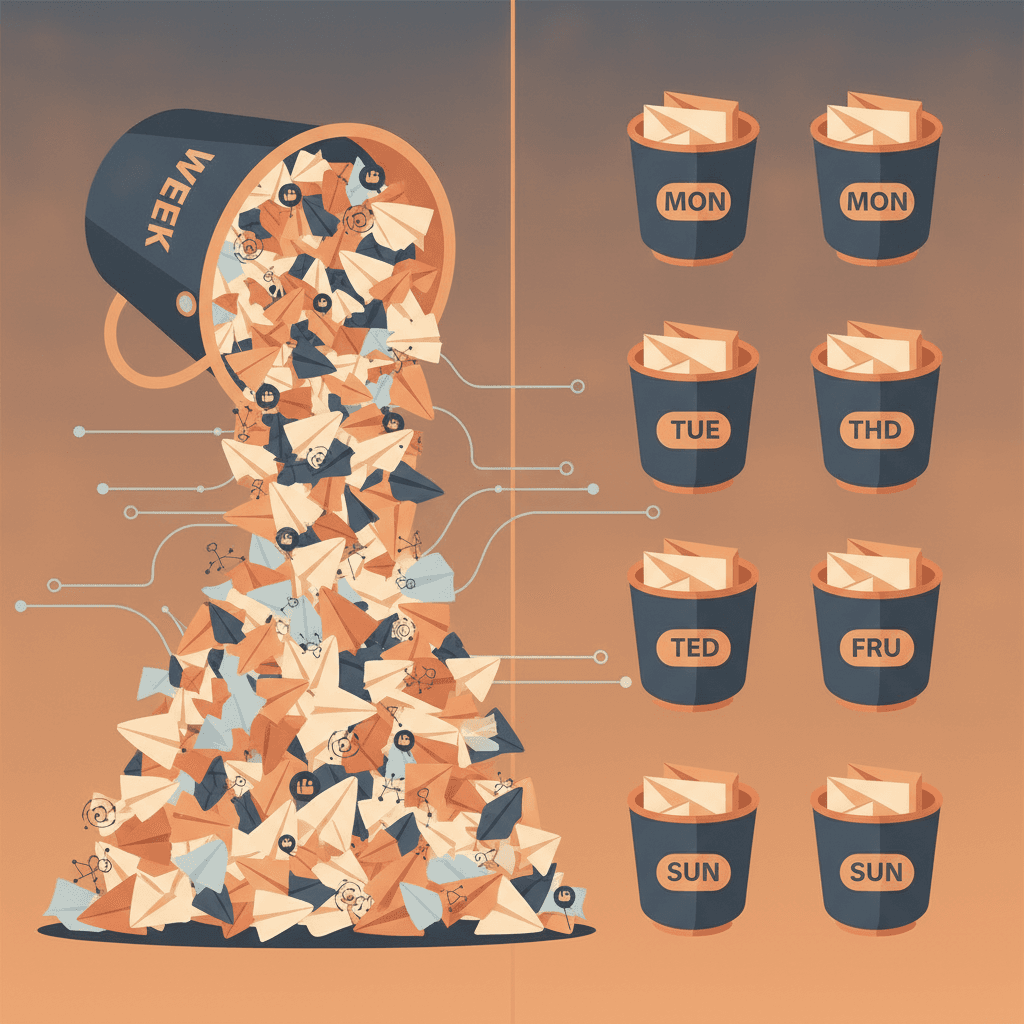
- LinkedIn is gradually rolling out a daily invitation ceiling of roughly 10 a day that sits underneath the old ~100/week cap. Europe and North America are seeing it first. LatAm accounts are still mostly on the weekly model.
- Detect your bucket by the hourly send cliff, the absence of the "weekly invitation limit" banner despite high volume, and the geography of your account activity.
- Sales Navigator does not raise the ceiling. The subscription buys targeting, not allowance.
- Re-pace to 8 to 10 invites a day Monday to Friday, floor acceptance rate at 25%, withdraw pending invites older than 21 days, and lean the sequence onto email steps for volume.
- Linkedcamp's smart limits, 14-day warm-up, and country-matched dedicated IP are built for exactly this dynamic band. A campaign still sends from one LinkedIn account, so sender rotation is not the escape hatch. Pacing discipline is.
On this page
- What actually changed, and what did not
- How to detect which bucket your account is in
- The daily number nobody wants to give you
- Why Sales Navigator will not save you
- The re-paced week for consultants on the daily bucket
- How Linkedcamp handles the dynamic band
- The 14-day protocol for a new or cold consultant account
- What this means for your sequence design
On 19 October 2026, DesignRush ran a field report from Evgenii Salamatov of gtm-api.com that quietly reframed the entire LinkedIn invite conversation. One of his accounts is still on LinkedIn's old weekly limit and sends about 150 to 200 connection requests a week. The other is on a newer daily limit that LinkedIn is rolling out gradually.
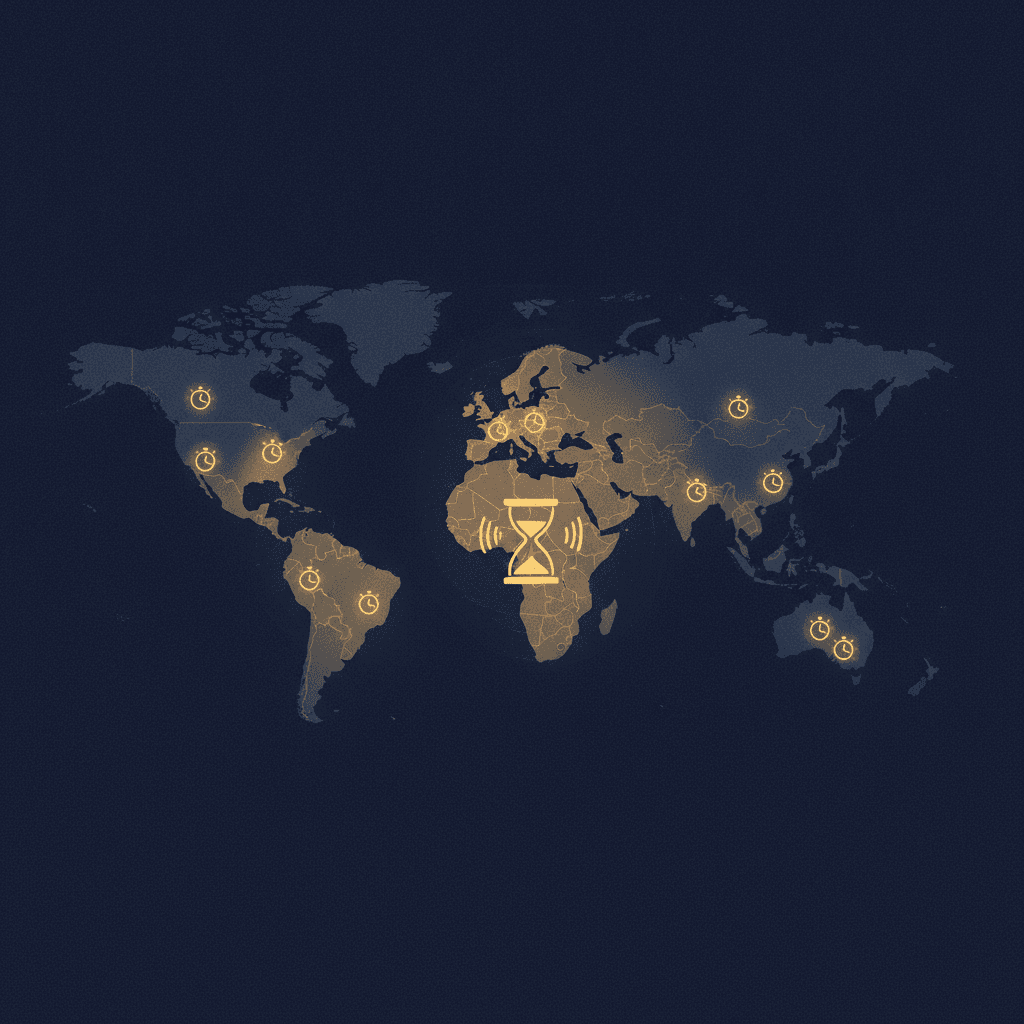
That newer bucket is the story. Salamatov says the newer limit is around 10 invitations a day depending on the account, which can put weekly capacity below 100. And the rollout is uneven. gtm-api.com sees the daily model more often in Europe and the U.S., while accounts in Latin America are more commonly still operating under weekly limits.
If you are a solo consultant or fractional operator running your own outreach, this matters more than any of the 2026 limits listicles currently blanketing the SERP. The weekly cap did not get retired on paper. It got replaced in practice by a dynamic daily band that behaves differently depending on your geography, account age, and acceptance history. This is the field guide for linkedin automation for consultants in Q4 2026, and the pacing changes you need to make this week.
What actually changed, and what did not
LinkedIn has never published a hard weekly number. The platform does not publish its connection request limit, and the widely observed ceiling is about 100 invitations per rolling week, roughly 20 a day. That was the operating assumption from the original April 2021 rollout right through mid-2026.
What changed in Q3 and Q4 2026 is enforcement shape, not the headline number. Two accounts in the same tool, same cadence, same ICP now behave differently. One account coasts to 120 invites a week like nothing happened. The next account, warmed the same way, hits a soft wall at 10 to 12 invites inside a single day and the sends silently stop clearing.
The weekly cap still exists as a hard ceiling. The daily ceiling now floats underneath it, and for a growing share of accounts the daily ceiling is the one that bites first.
How to detect which bucket your account is in
You will not get a notification. LinkedIn will not tell you. You have to read the behaviour. Three signals, in order of reliability.
Signal one. The hourly send cliff. On the old weekly model, a consultant pushing 20 invites a day could send them in two or three bursts without consequence. On the new daily model, the account starts throttling sends after roughly the tenth accepted request in a 24-hour window. The invitations do not error. They queue, delay, or quietly drop off the sender's screen.
Signal two. The weekly ceiling that never arrives. On the old model, hitting the ceiling triggers the "you've reached the weekly invitation limit" message, halting any further connection requests until the limit resets. If you have not seen that banner in six weeks despite pushing volume, you are probably on the daily bucket. It is throttling you before you ever reach the weekly wall.
Signal three. Geography. If your LinkedIn account registered an IP in Europe or North America in 2026, odds favour the daily bucket. If the account's recent activity sits in LatAm, APAC, or MENA, the weekly model is still more common.
The daily number nobody wants to give you
Every consultant asks for one number. The honest answer is a band, not a point. For a warmed account with normal use, the safe daily range is 15 to 20 invites, and for a strong profile with high activity, 20 to 30. That is the old model.
For the new daily model, the working ceiling appears to be closer to 10 to 12 per 24-hour rolling window on average accounts, with warmed accounts stretching to 15. There is no published confirmation of this. The number is reconstructed from vendor telemetry and operator experience in October and November 2026.
Two things make the band wider than consultants want.
- Acceptance rate. An acceptance rate under 30% gets your volume throttled far beneath the 100-invite baseline, and free accounts get only about 5 personalized notes per month since 2024.
- Pending invitation backlog. Keep it under ~500 open. Over that, the daily ceiling tightens regardless of acceptance rate.
For a historical anchor on acceptance-rate gating, our earlier breakdown of the 20-invite rule under 100 connections walks through why new accounts hit the wall faster than tenure explains on its own.
Why Sales Navigator will not save you
Consultants often ask whether paying $99/month for Sales Navigator buys headroom. It does not. Premium and Sales Navigator do not meaningfully raise the weekly invitation cap in 2026, and the roughly 100 per week ceiling applies whether you are on Free, Premium, or Sales Navigator.
The subscription buys targeting. It does not buy invitation allowance. Sales Navigator is a filtering product, and the invitation ceiling is tied to network trust signals, not to what you pay. Budgeting the subscription as if it were an outreach volume unlock is one of the most common mis-reads we see from solo consultants in Q4 2026.
The re-paced week for consultants on the daily bucket
If you suspect you are on the new daily model, the fix is not to send less in total. It is to spread the sends and raise the per-invite quality. Here is the working template.
Monday to Friday, five sending days
- 8 to 10 invites per day, spread across two or three sessions
- No single session over 5 invites
- Zero invites on Saturday and Sunday
- Withdraw any pending invite older than 21 days every Friday
- Floor your acceptance rate at 25%, and pause the list if it drops below for three consecutive days
That is 40 to 50 invites a week, well under the old 100 ceiling, and comfortably under the new ~10/day floor. The ceiling you care about is not the maximum. It is the number LinkedIn's classifier reads as "this is a human doing real networking," and 8 to 10 well-targeted sends a day reads that way on both buckets.
If acceptance rate is the real governor, and the data says it is, then halving your volume while doubling your ICP precision is a strictly better trade than pushing to the old 20-a-day target. The bifurcation pattern we documented in cold outreach applies here too. Signal-based lists hold acceptance rates. Scraped lists do not.
How Linkedcamp handles the dynamic band
This is where the tooling matters. A campaign built around a fixed "20 per day" setting is going to burn through its daily allowance on the new model in the first two hours and then look like a bot for the rest of the day.
Linkedcamp's smart limits read the account's actual behaviour and pace sends across the working day instead of pushing to a static ceiling. The warm-up ramp starts new accounts at 5 to 10 invites a day and raises the number gradually, which is the pacing a conservative approach would use anyway, starting new accounts near 5-10 invites a day and ramping gradually over about four weeks toward roughly 20 a day for established accounts, always keeping the weekly total under 100.
Each LinkedIn account also sends from its own country-matched dedicated IP with stealth mode on. If you are a consultant based in London running outreach while travelling in Lisbon and São Paulo, the IP stays London. That one detail prevents a lot of the geography-based trust resets that show up as a sudden drop in daily ceiling.
A reminder on scope. A Linkedcamp campaign sends from one LinkedIn account. There is no LinkedIn sender rotation. Email steps rotate across connected mailboxes, which is where you get volume headroom. The invitation layer stays single-sender, which is correct, because rotating LinkedIn senders is exactly the pattern the platform's classifier is tuned to catch. Our walk-through of the engagement-to-outreach ratio covers why.
The 14-day protocol for a new or cold consultant account
If you are opening a new LinkedIn account, or reactivating one that has been dormant since Q2, assume you land on the new daily bucket. Treat week one as read-only. Week two, start sending.
The short version of the ramp.
- Days 1 to 7. Profile work, 3 to 5 personalized posts, 10 to 15 thoughtful comments a day. No invites.
- Days 8 to 10. 3 to 5 invites per day to warm, likely-to-accept connections. Mutual connections or recent commenters only.
- Days 11 to 14. 6 to 8 invites per day. Start with mutuals, extend into ICP.
- Week 3. 8 to 10 invites per day on weekdays. Hold.
We published the full version as the consultant's 14-day warm-up protocol, which covers the engagement-to-outreach ratio by day and the specific profile completeness thresholds to clear before sending.
What this means for your sequence design
The daily rollout changes the math on multi-step sequences. If your invite ceiling is 10 a day instead of 20, your downstream message volume halves too, and that is where most consultants quietly lose pipeline without noticing.
Two adjustments.
First, lengthen the sequence. If you were running a four-touch LinkedIn-only sequence, extend to six touches and stretch the gap between touch one and touch two from 3 days to 5. The daily ceiling means your sender is slower, so the sequence itself should breathe.
Second, lean harder on the email leg. If you have a connected mailbox, the email steps rotate across mailboxes and are not subject to LinkedIn's daily band. For most consultant workflows in Q4 2026 that means the email-after-connect touch is doing more work than it was in Q2, and the reply rate on that step is what you should be optimising for.