LinkedIn Voice Messages: The Reply-Rate Hack Tools Skip
Voice DMs double reply rates but only one major tool automates them natively. When they lift pipeline, when they backfire, and how to scale without sounding robotic.
By Brian8 min read

TL;DR
- Voice notes lift reply rate 2x on average, up to 30–40% response rate in warm segments, but only when used as a second-touch pattern interrupt, never as a cold opener.
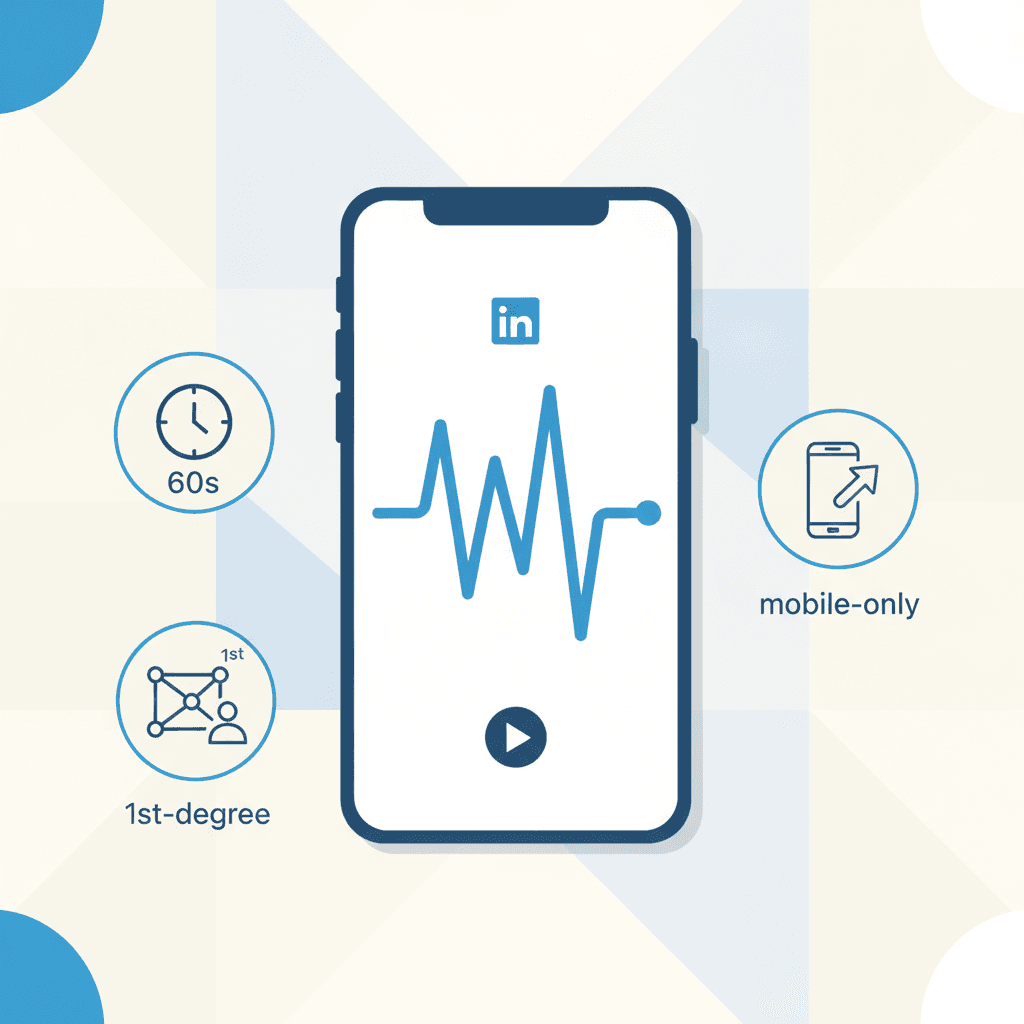
- Only LGM automates voice natively because LinkedIn's mobile-only + first-degree-only + 60-second constraints kill most cloud-based automation paths. Every other major tool relies on manual voice touches.
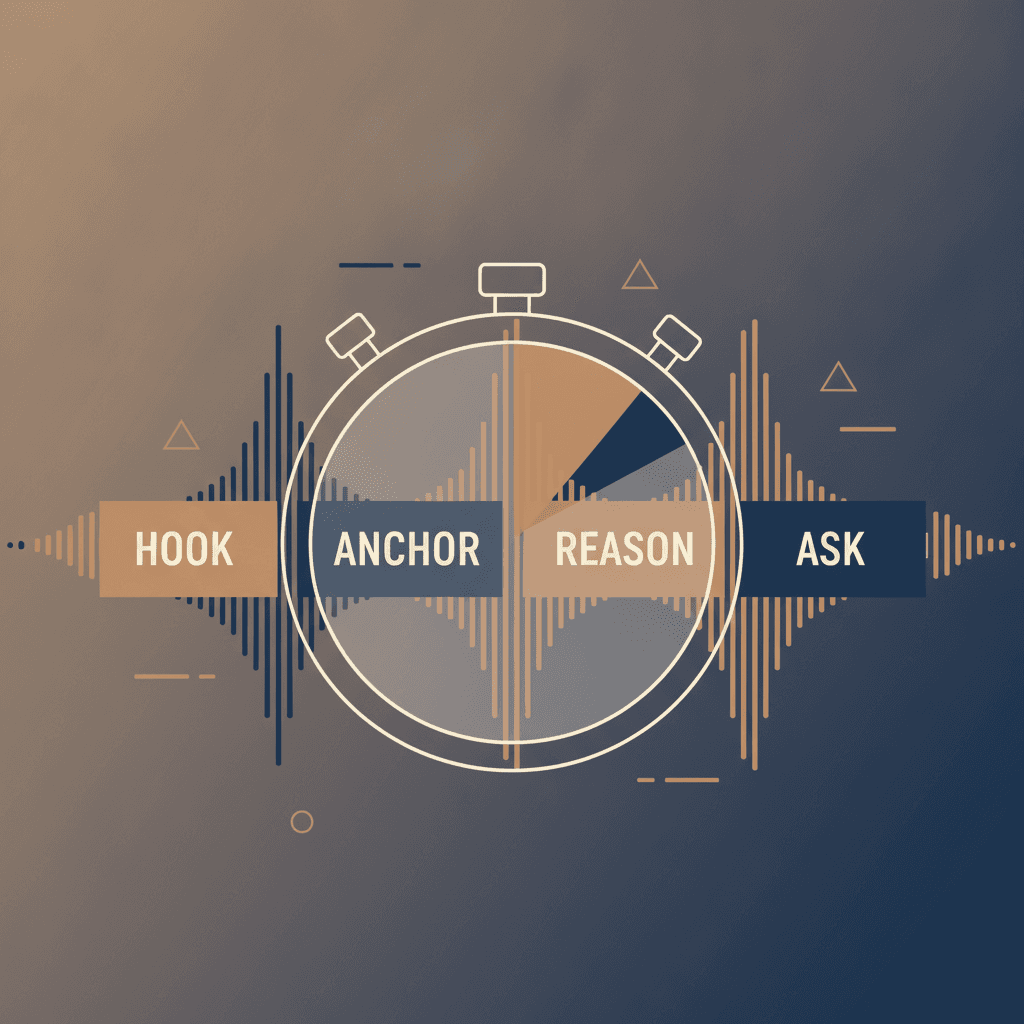
- The winning script is 20–30 seconds. Name in first 5s, one specific anchor, one reason, one low-friction ask. Re-record your first take.
- AI voice cloning carries real risk, disclosure law is tightening, the uncanny valley reads as fake, and LinkedIn is actively downranking synthetic signals. Use it sparingly, if at all.
- Measure on reply-rate delta and meeting-booked rate, not send volume. Voice is a low-volume, high-conversion channel, cap at 40 touches per rep per week to protect the lift.
On this page
- Why every major outreach tool skips voice (except one)
- The reply-rate numbers, and the honest caveat
- Who this is for (and who it isn't)
- Where voice notes actually lift reply rates
- The 20–30 second script that gets replies
- The AI voice-cloning trap
- How to measure voice-note performance
- The scaling playbook, manual voice inside an automated sequence
Your prospect's LinkedIn inbox looks the same as everyone else's right now. Three ChatGPT-crafted openers, two AI-generated pitches with a fake compliment about their recent post, and one automated "just circling back." Reply rates are collapsing because the medium is saturated with the same template.
The interrupt hiding in plain sight is linkedin voice messages. Voice messages on LinkedIn generate on average 2x more responses according to La Growth Machine's own campaign data, and only 1 in 10 LinkedIn messages sent using Kondo are voice notes. When inboxes are full of ChatGPT-crafted outreach and automated sequences, your voice becomes the anomaly.
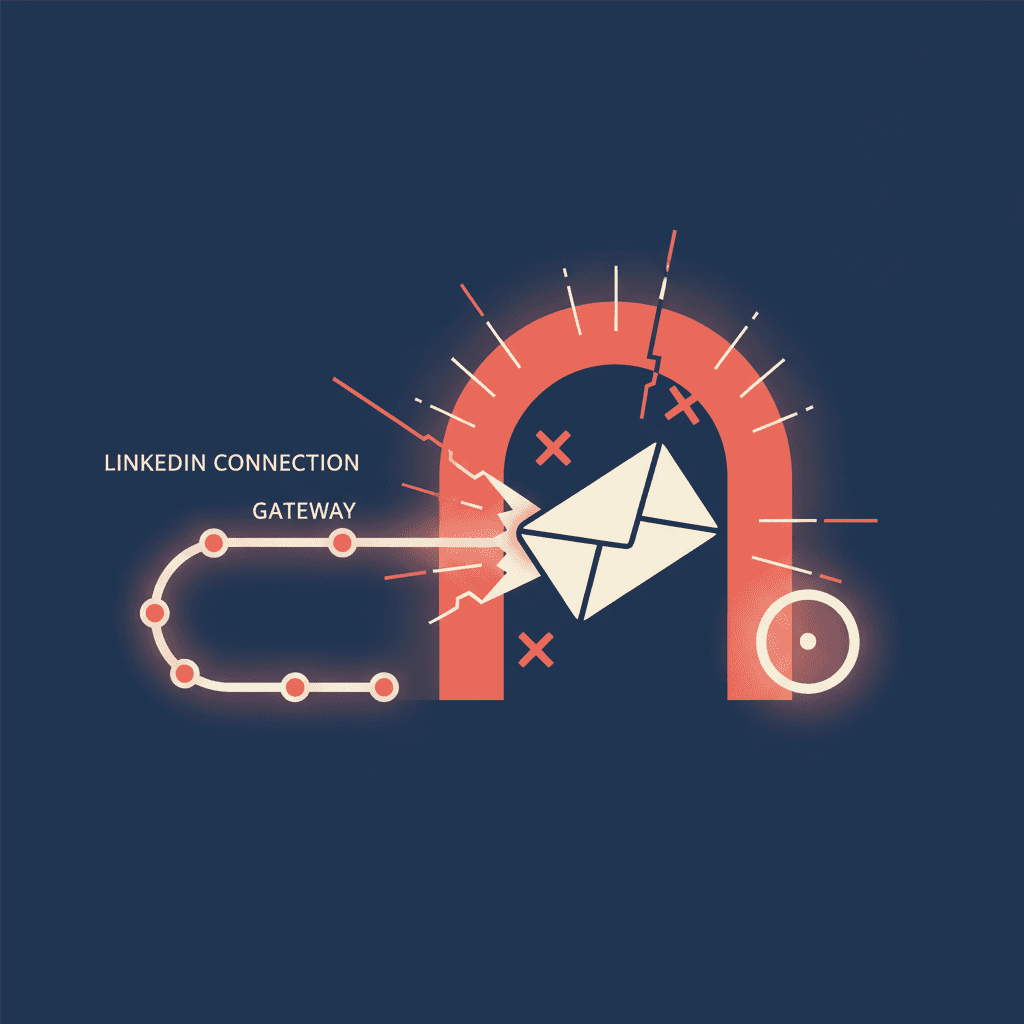
But here's the part every recycled "how to send a voice note" guide skips. Almost no major LinkedIn automation tool supports voice natively. Not HeyReach. Not Expandi. Not Dripify. Not Waalaxy. There are hard technical reasons for that, and understanding them is how you turn voice from a novelty into a repeatable, measurable channel.
Why every major outreach tool skips voice (except one)
LinkedIn shipped voice messaging in July 2018 with three deliberate constraints. Mobile only. You can only send them via the LinkedIn mobile app (iOS or Android). Time limit. Each message is capped at 60 seconds. Connection required. You must be connected to the person to send a voice note. LinkedIn's own help doc confirms it. You can record voices messages to send to 1st-degree connections and for group messages via LinkedIn Messaging on the mobile app.
Those three constraints kill automation for almost every cloud-based tool on the market. There's no desktop endpoint to hit, no InMail path, no Sales Nav integration. That means you can't send them through an InMail or through Sales Navigator.
Only La Growth Machine has built a workaround using cloned voice audio injected into the mobile message flow. La Growth Machine is the only LinkedIn Automation tool that can create automated LinkedIn sequences including voice messages. That's a real moat, and also a real risk surface, which we'll get to.
For the rest of the market, voice remains a manual touch. Which is precisely why it still works.
The reply-rate numbers, and the honest caveat
Every blog on this topic cites the same 30–40% reply-rate figure. It's worth being specific about where it comes from. Voice messages can achieve response rates of 30–40%, compared to 10–25% for traditional LinkedIn outreach per Closely's benchmark data. PhantomBuster reports the same directional lift. Voice messages can achieve a response rate of up to 40% on LinkedIn. That's nearly 3x higher than the average 10–15% response rate for text-based LinkedIn messages.
LGM's own trailing data puts the delta more conservatively at 2x. No independent peer-reviewed study exists, these are all vendor-reported. Treat them as directional.
The more defensible baseline is Expandi's 2024 dataset. Expandi's proprietary data derived from over 20 million outreach attempts run through their LinkedIn automation platform from January 1, 2024, to December 31, 2024 shows that including a personalized message in a connection request significantly boosts the reply rate (9.36%) compared to no message (5.44%). That's the text-only ceiling most SDR teams are hitting today. If voice truly doubles that, you're looking at ~18% reply against a saturated baseline, which is the kind of delta that changes pipeline math, not just vanity metrics.
The honest version of this stat. Voice notes reliably outperform text in warm sequences. They do not save cold-first-touch outreach. Anyone selling you the second story is misreading the data.
Who this is for (and who it isn't)
Voice notes are for you if.
- You're a founder or AE running <100 targeted touches per week where each prospect is worth a manual differentiator
- You already have a connection-accept rate above 25% and are losing prospects on the post-accept follow-up
- You sell into industries where trust and personality drive the deal (consulting, agencies, exec search, high-ACV SaaS)
- Your ICP skews toward directors and VPs who reply to warmth over polish, see why directors reply 2–3x more than CROs
Voice notes are NOT for you if.
- You're running high-volume outbound (500+ touches/week per rep) and need every step automated
- Your ICP is procurement, IT security, or compliance, audiences that prefer written specificity
- You haven't solved cold email deliverability yet (voice is a differentiation lever, not a foundation, start with the deliverability rejection wall)
- You can't be bothered to warm the connection first. Voice messages can only be sent to your first-degree connections, people who have already accepted your connection request. So, you can't use this feature for cold outreach to those outside your network.
Where voice notes actually lift reply rates
The strategic mistake is treating voice as a cold opener. It isn't. It's a second-touch pattern interrupt. LGM's own guidance confirms this. Don't lead with voice. Start with text, follow with voice, reference in third touch. Most sales professionals use text, making voice messages a strong differentiator.
Three sequence positions where voice reliably lifts reply rate.
- Post-accept, touch #2, Prospect just accepted your connection request. They're already curious about you. A 25-second voice note referencing something specific from their profile converts curiosity into conversation.
- Bump after silence, Prospect ghosted your first written message. A voice note on day 5 or 7 says "I'm a real person, not a sequence." This is where the 2x lift shows up most consistently.
- Post-meeting recap, Not outbound, but the highest-ROI voice use case. A 30-second recap after a discovery call gets read 100% of the time and shortens follow-up cycles.
Avoid voice as an initial cold-outreach message, and skip it entirely with prospects who signal preference for written communication. As a follow-up or interrupt after your first text touch. Avoid using them as your initial message or with prospects who clearly prefer short written communication.
The 20–30 second script that gets replies
Most recycled voice-note guides say "keep it under 60 seconds." That's the technical ceiling, not the target. For sales outreach, aim for 20-40 seconds. Shorter messages consistently see better engagement because they respect the listener's time and get to the point faster.
A teardown of what actually works in 30 seconds.
- Seconds 0–5. Say their first name. Say their name in the first 5 seconds. Nothing grabs attention faster than hearing your own name.
- Seconds 5–12. Anchor. One specific detail from their profile, post, or company, not a fake compliment. Something you couldn't have said to anyone else.
- Seconds 12–22. Reason. Why you specifically reached out to them. One sentence, no pitch.
- Seconds 22–30. Ask. A low-friction question. "Would it be worth a quick conversation?" beats "I'd love to schedule a 30-minute demo." Make it easy to say yes.
Two tactical rules practitioners keep learning the hard way. Don't read a script. Write three bullet points and speak naturally from them. Scripted delivery is immediately obvious and immediately off-putting. And re-record your first take. The first attempt almost always sounds stiff. Record it, delete it, do it again. The second take is usually where the natural version lives.
Always pair the voice note with a one-line text recap so the prospect sees context without pressing play, the AI vs human LinkedIn message data is clear that hybrid touches beat single-format every time.
The AI voice-cloning trap
LGM Voice AI lets you record your voice once, then generate personalized intros per lead. Record your voice once, add AI-generated intros per lead, and send personalized LinkedIn Voice messages at scale. On paper, that solves the scale problem. In practice, it introduces three risks most tools don't disclose upfront.
Risk 1. The uncanny valley kills trust. AI voice clones are still detectably synthetic on short, high-stakes clips. When a prospect hears "Hey Sarah" in slightly-off cadence, the entire message reads as fake, worse than a text DM, because now you've violated the implicit promise that a voice note means a human took the time.
Risk 2. Consent and disclosure law is tightening. ElevenLabs requires disclosure when using AI agents. The EU AI Act also requires labeling AI-generated audio in certain contexts. Cloning your own voice for commercial outbound is legal in most US states, but sending it to an EU-based prospect without disclosure may not be. All audio generated by our models can be instantly traced back to the user responsible for the generation per ElevenLabs' own policy.
Risk 3. LinkedIn's authenticity update. The platform is actively downranking synthetic-signal outreach, the same enforcement wave covered in the March 2026 authenticity update teardown. Voice cloning without disclosure sits squarely in that risk category.
Our practitioner view. Use voice cloning to eliminate friction (say, generating a name-only intro for 40 warm connections you've already qualified), never to replace judgment on which prospects deserve a real human recording.
How to measure voice-note performance
Here's the operational headache. LinkedIn doesn't show if someone played your voice message. Watch for indirect signals like profile views, replies, or connection activity to see whether they listened.
The practical measurement stack.
- Reply rate delta, Segment your CRM by touches that included a voice note vs those that didn't. Compare reply rate on the same ICP over 30-day windows. Anything under 1.5x lift means your voice notes aren't landing and you should revisit the script.
- Meeting-booked rate, The real KPI. Voice notes lift reply rate but the higher-value signal is whether those replies convert to meetings. Warmer opens tend to convert better.
- Profile-view spike, Track the 48-hour window after sending a voice note. A profile view is a proxy for "listened and curious."
- Time-to-first-reply, Voice-note replies typically arrive faster than text (curiosity + novelty). If your voice sequences aren't outperforming text on this metric, something is broken in the script or delivery.
Avoid the trap of judging voice on send-volume metrics. This is a low-volume, high-conversion channel. If you're sending more than 40 voice notes per week per rep, you're doing it wrong and the reply lift will collapse.
The scaling playbook, manual voice inside an automated sequence
The honest architecture for most teams isn't "automate voice via AI cloning." It's "let the platform handle everything else so your rep has time for 15–20 authentic voice touches per day."
A sequence that works.
- Day 1. Automated connection request with 200-character personalized note (Linkedcamp or similar handles this)
- Day 2 (post-accept). Automated text welcome message referencing why you connected
- Day 4. Manual voice note, 25 seconds, referencing one specific thing from their profile
- Day 8. Automated text bump if no reply, with an explicit reference back to the voice note ("circling back on the note I left Tuesday")
- Day 14. Channel switch to email (see why 58% of replies come from touch #1 for the multichannel case)
The voice touch stays manual and stays scarce. That's the point. The rest of the sequence runs on autopilot so your rep isn't burning attention on the 90% that doesn't need a human. This is the hybrid workflow model that outperforms fully autonomous AI SDRs on every reply-rate benchmark we've tracked in 2026.